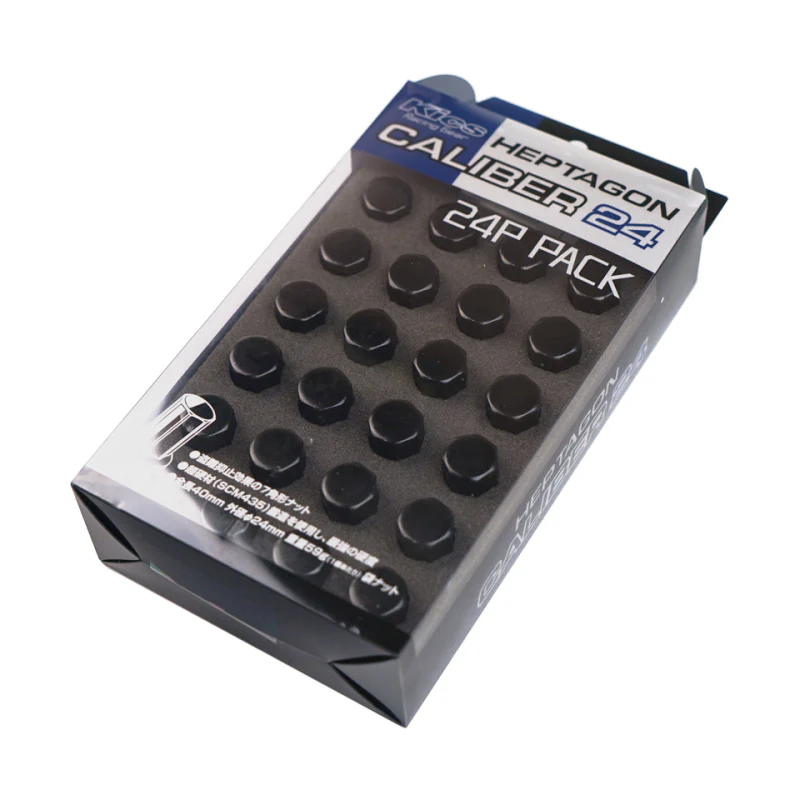
Diode Dynamics Clear Wide Version 3 Outer Lens for Stage Series Light Bars - Universal Fitment
Features
- Direct replacement for Stage Series Light Bar lenses
- Polycarbonate material
- Simple installation
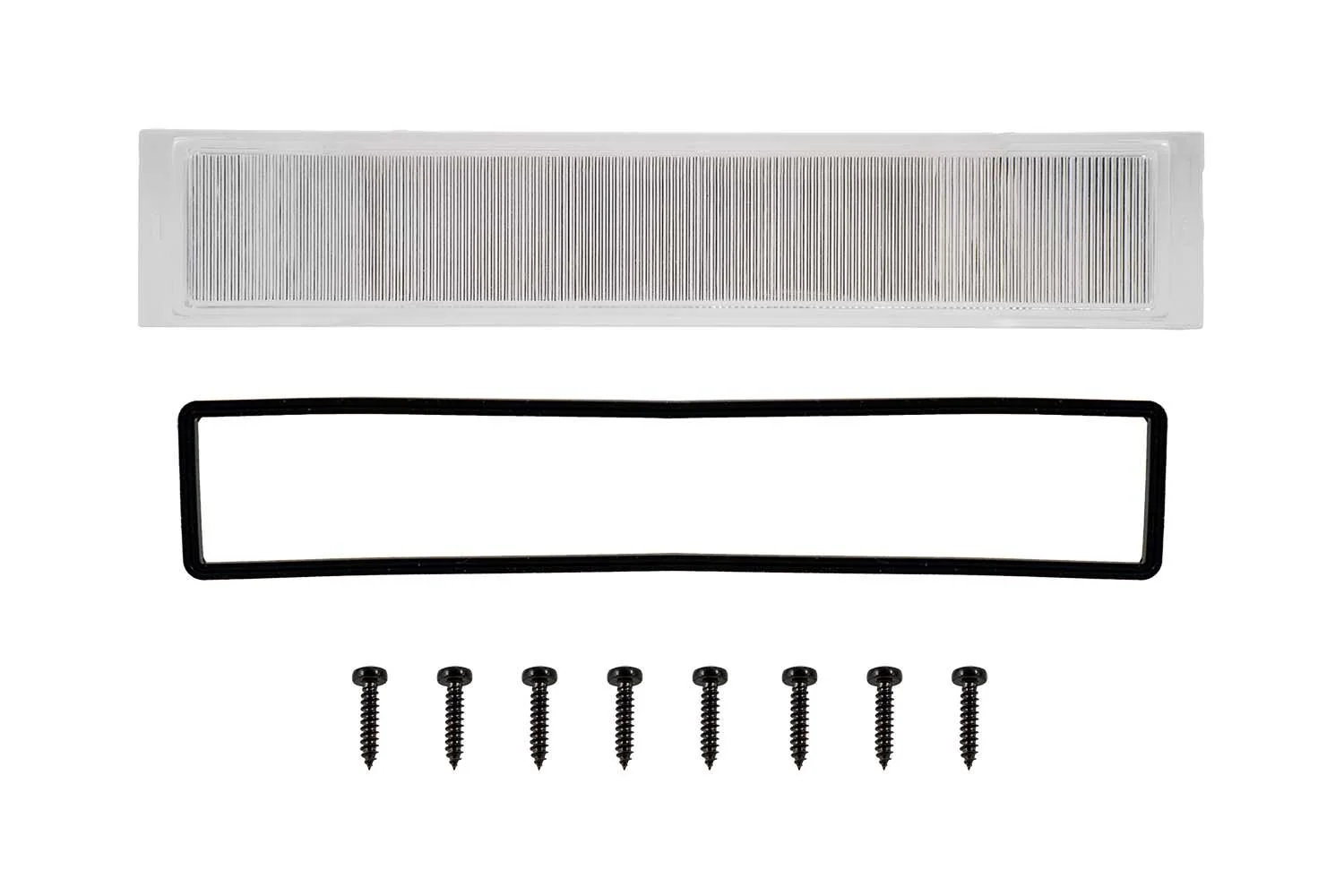
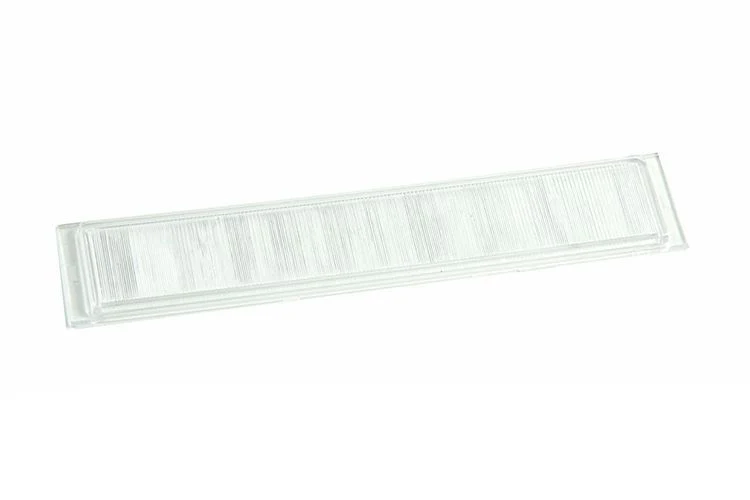
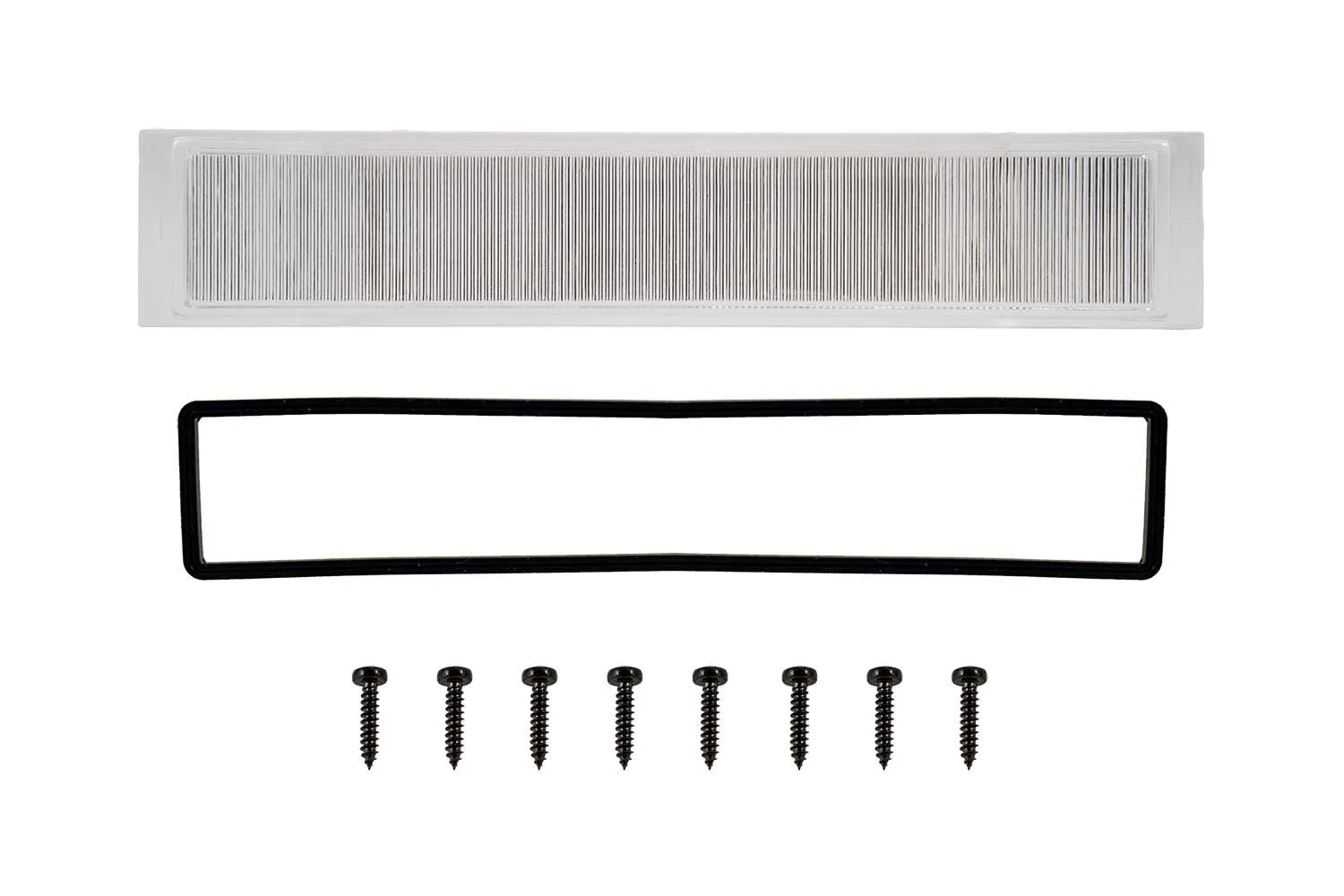
This is one clear polycarbonate outer lens for Stage Series LED light bars.
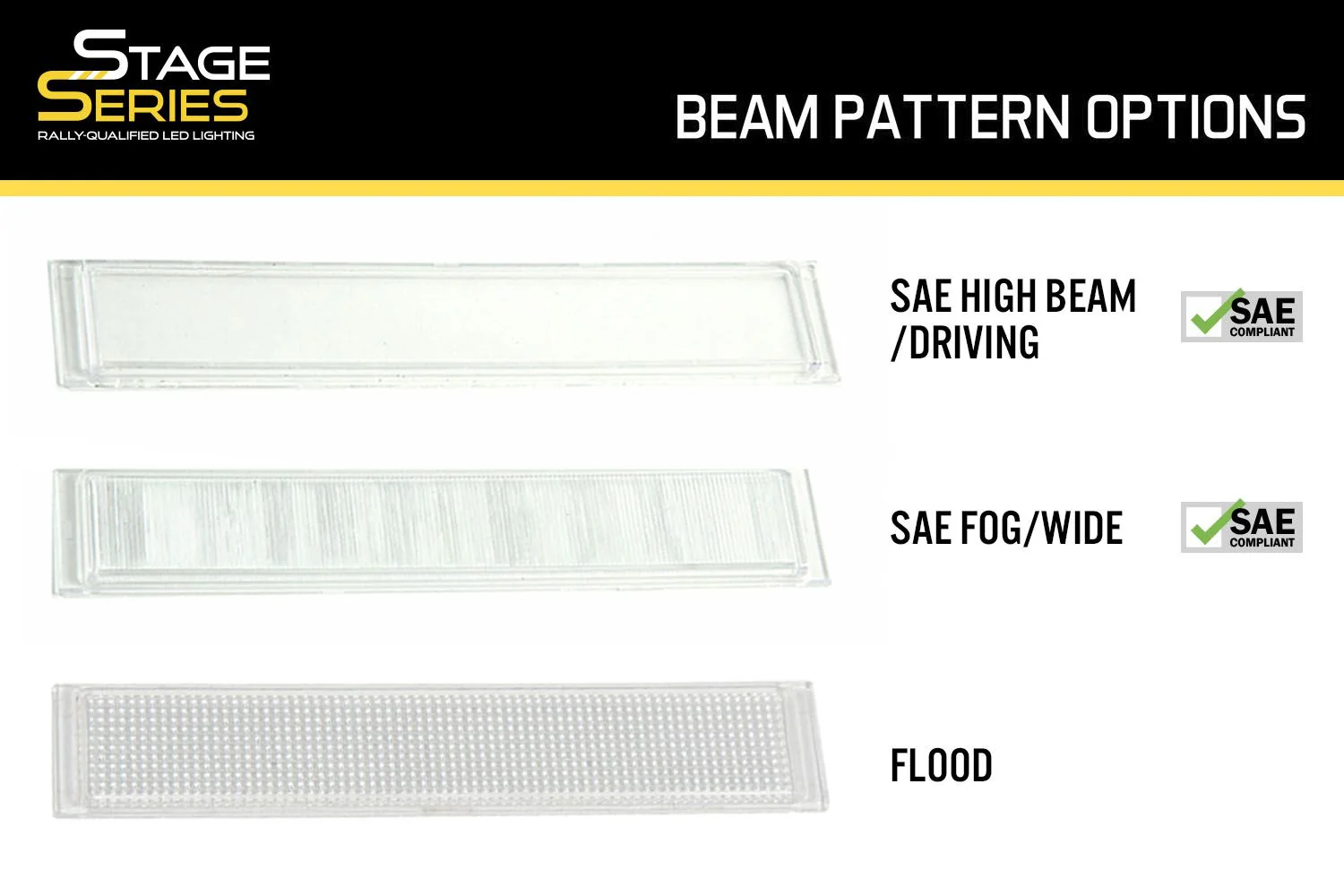
It can be used to change the performance and output pattern of your Stage Series Light Bar.
The installation process is straightforward, but must be completed at your own risk. It requires removing the frame using a Torx T8 screwdriver (not included), removing the original lens, removing the O-ring from the lens, placing the O-ring onto the new lens, placing it in position, and securing the frame back into place. We recommend finding a clean area, wearing protective gloves, and taking your time. Do not overtighten screws.
NOTE: If you choose to change the lens yourself, any warranty claim for moisture or condensation will require the light bar to be returned to our facility for repair, rather than direct replacement.
Specifications
Installation
Installation Time: 10-20 minutes
Tools Needed: T10 Torx Bit
Product Information
Product Information
Shipping & Returns
Shipping & Returns
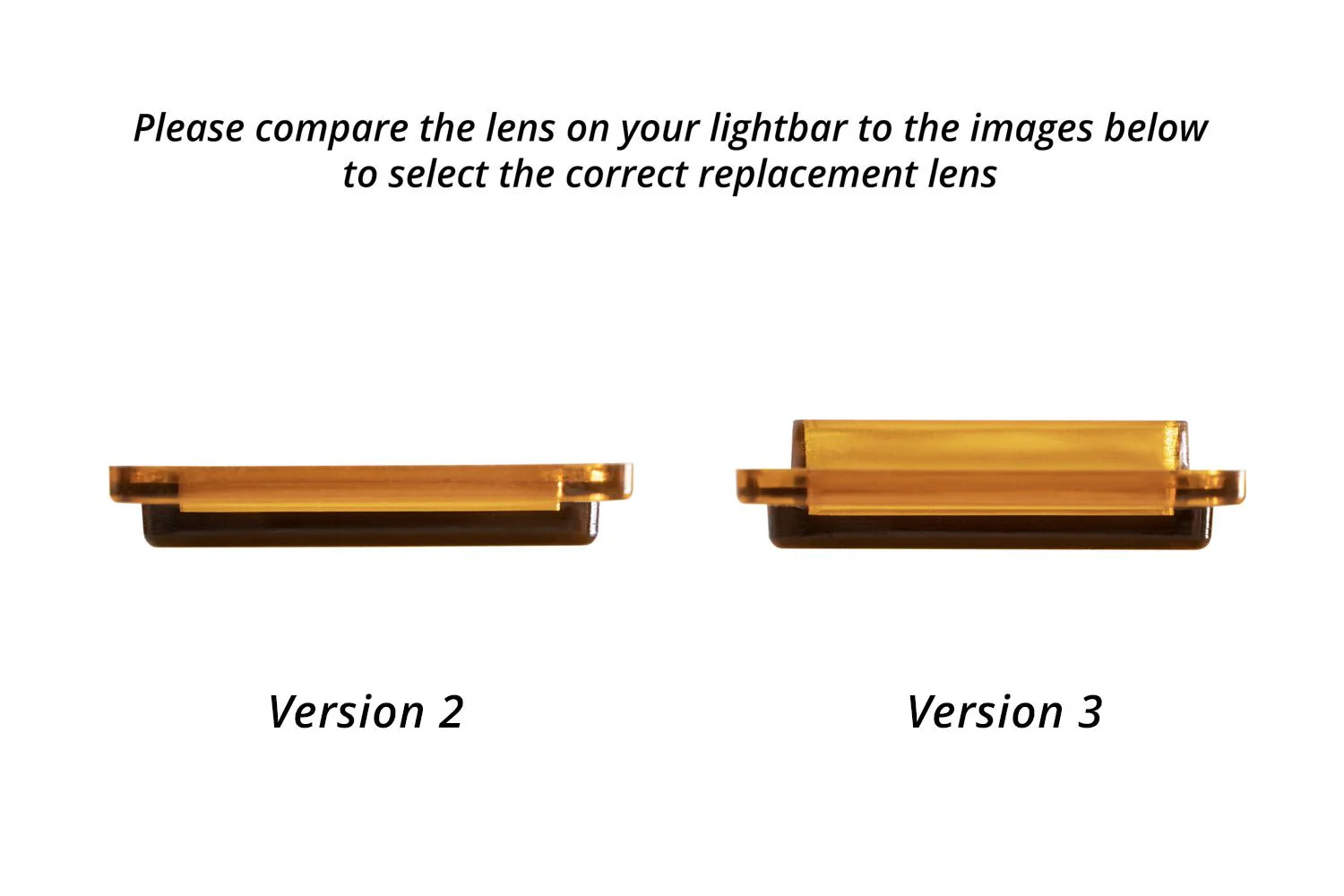

Diode Dynamics Clear Wide Version 3 Outer Lens for Stage Series Light Bars - Universal Fitment
Diode Dynamics Clear Wide Version 3 Outer Lens for Stage Series Light Bars - Universal Fitment
Features
- Direct replacement for Stage Series Light Bar lenses
- Polycarbonate material
- Simple installation
This is one clear polycarbonate outer lens for Stage Series LED light bars.
It can be used to change the performance and output pattern of your Stage Series Light Bar.
The installation process is straightforward, but must be completed at your own risk. It requires removing the frame using a Torx T8 screwdriver (not included), removing the original lens, removing the O-ring from the lens, placing the O-ring onto the new lens, placing it in position, and securing the frame back into place. We recommend finding a clean area, wearing protective gloves, and taking your time. Do not overtighten screws.
NOTE: If you choose to change the lens yourself, any warranty claim for moisture or condensation will require the light bar to be returned to our facility for repair, rather than direct replacement.
Specifications
Installation
Installation Time: 10-20 minutes
Tools Needed: T10 Torx Bit
Product Information
Product Information
Shipping & Returns
Shipping & Returns
Description
Features
- Direct replacement for Stage Series Light Bar lenses
- Polycarbonate material
- Simple installation
This is one clear polycarbonate outer lens for Stage Series LED light bars.
It can be used to change the performance and output pattern of your Stage Series Light Bar.
The installation process is straightforward, but must be completed at your own risk. It requires removing the frame using a Torx T8 screwdriver (not included), removing the original lens, removing the O-ring from the lens, placing the O-ring onto the new lens, placing it in position, and securing the frame back into place. We recommend finding a clean area, wearing protective gloves, and taking your time. Do not overtighten screws.
NOTE: If you choose to change the lens yourself, any warranty claim for moisture or condensation will require the light bar to be returned to our facility for repair, rather than direct replacement.
Specifications
Installation
Installation Time: 10-20 minutes
Tools Needed: T10 Torx Bit